
Statement of accounts are available to you at any time in your TRIVER dashboard. This will provide you with a snapshot of your
Where can I find my statement(s)?
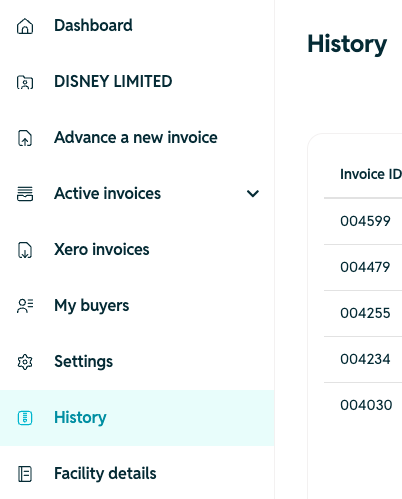
To find your statement of accounts:
- Log into your TRIVER account
- Go to the History tab of your dashboard
- Click on "View statements"
- Click on the Statement you want to download.

When will I be notified that a new statement is ready?
You will receive a monthly email with a link directly to your Statement history.
Where can I see historical statements prior to January 2025?
For existing customers, statements are only available from January 2025.